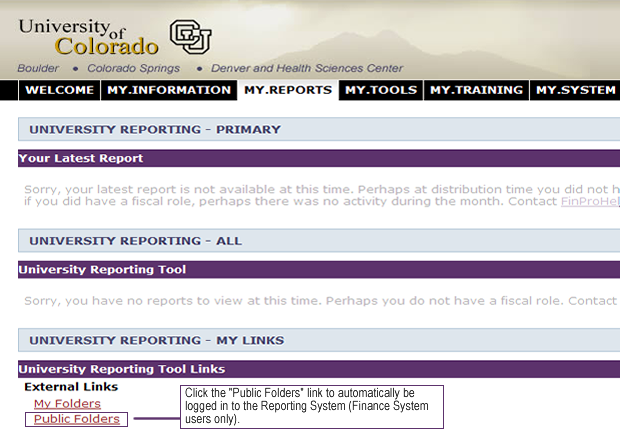
To enter the Reporting System automatically, select the "Public Folders" link in the "My Links" channel in the my.CU portal:
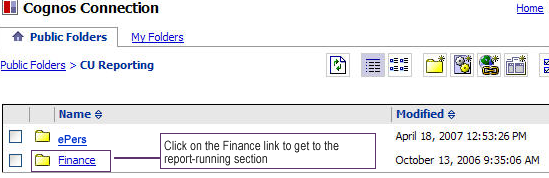
You'll be taken into the Public Folders section automatically, without having to log in:
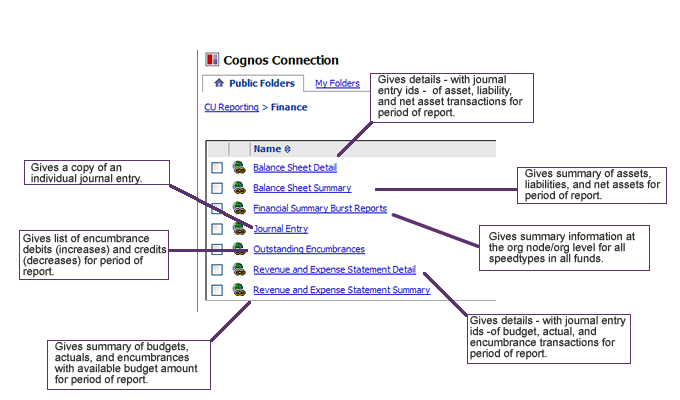
Once you click on the Finance link, you'll see a list of reports you can run using a variety of parameters: