Printing journal entries in the Finance System is a three-step process:
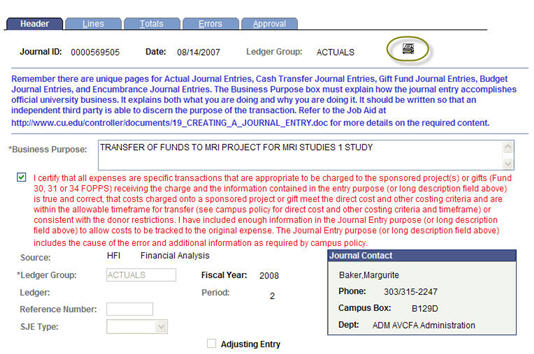
- Click the print icon on the "Lines" page
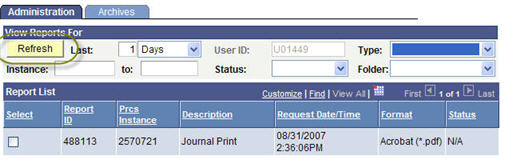
- Wait for a bit (reports can take between a few seconds to a minute to process); then click the "Refresh" button on the "Report Manager" page:
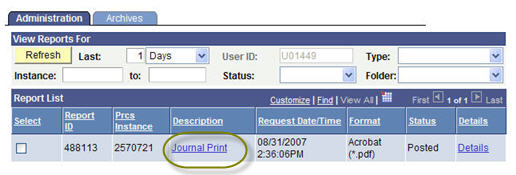
- Open the "Description" hyperlink called "Journal Print" (not the "Details" hyperlink) when it appears:
- The report will open in a .pdf format; you can then print or save the file. If you have problems opening the report, your web browser may have pop-up blockers enabled. Hold the control key down at the same time you click the hyperlink to bypass the pop-up blockers. Plan to disable pop-up blockers permanently by accessing the security tab in your browser's "Internet Options" menu.